Choose your campus challenge
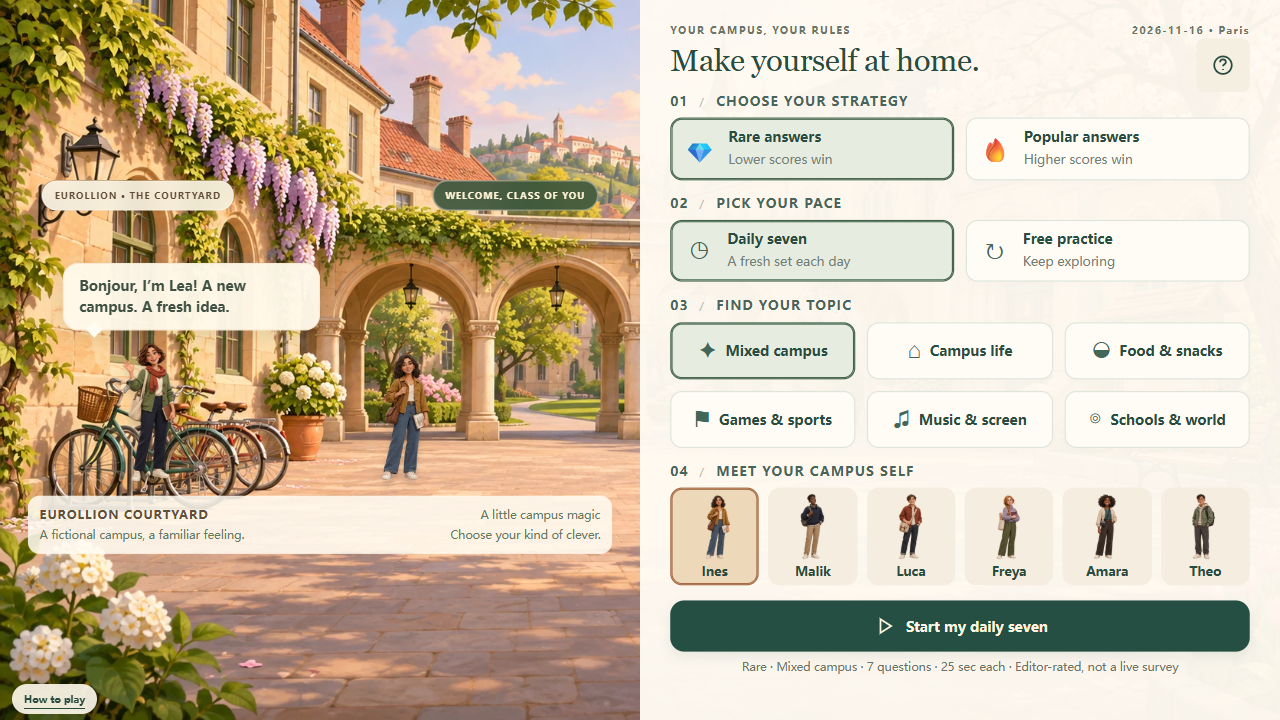
Kegillion is a browser word game about American campus culture. Read a prompt and enter one answer that belongs to its category. You choose whether to look for something familiar or something less obvious. The same idea can feel very different when the scoring direction changes. A run has seven questions, with a character beside the question panel and a recap after the final answer. Start Kegillion in the player above, choose your settings, and use the first round to get comfortable with the controls.
What makes this edition different?
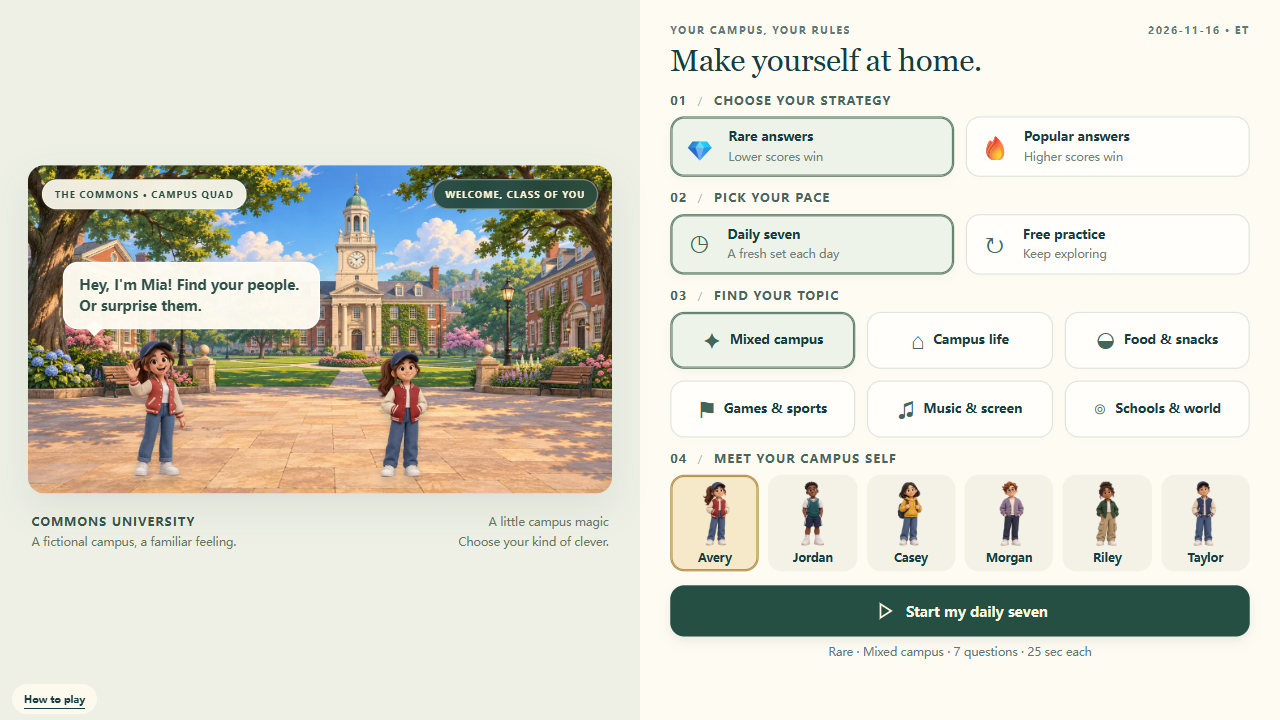
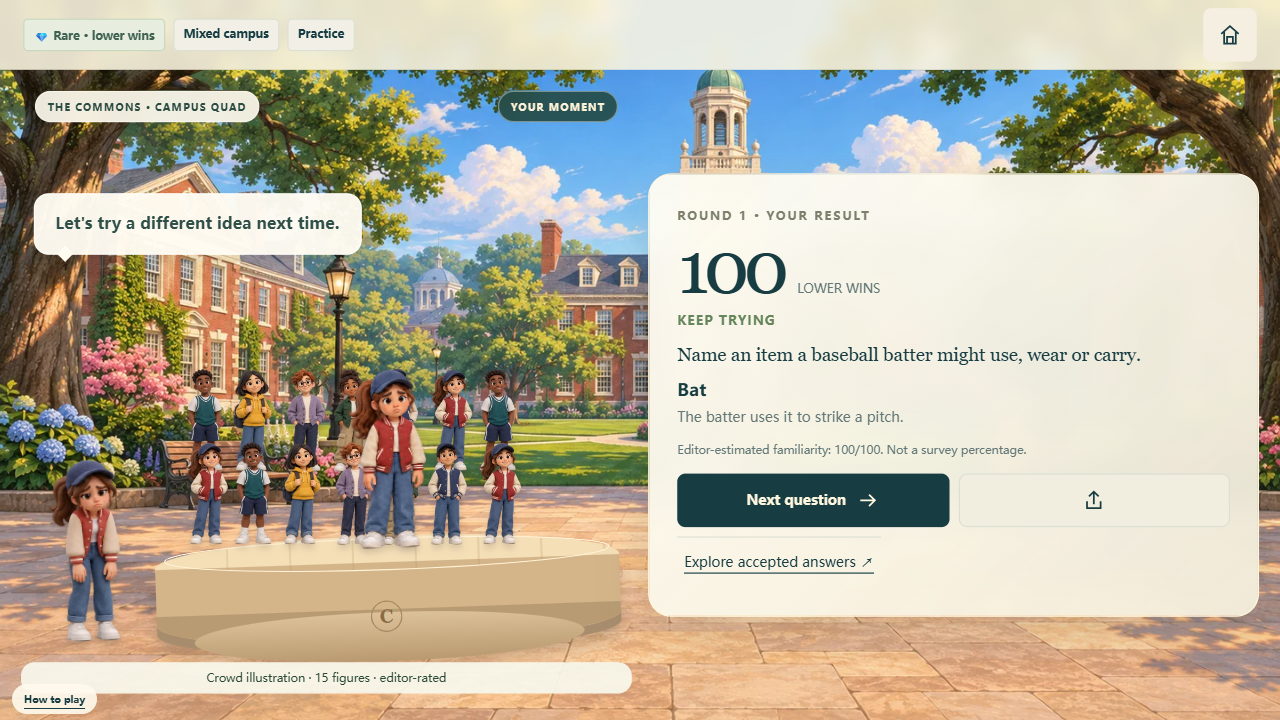
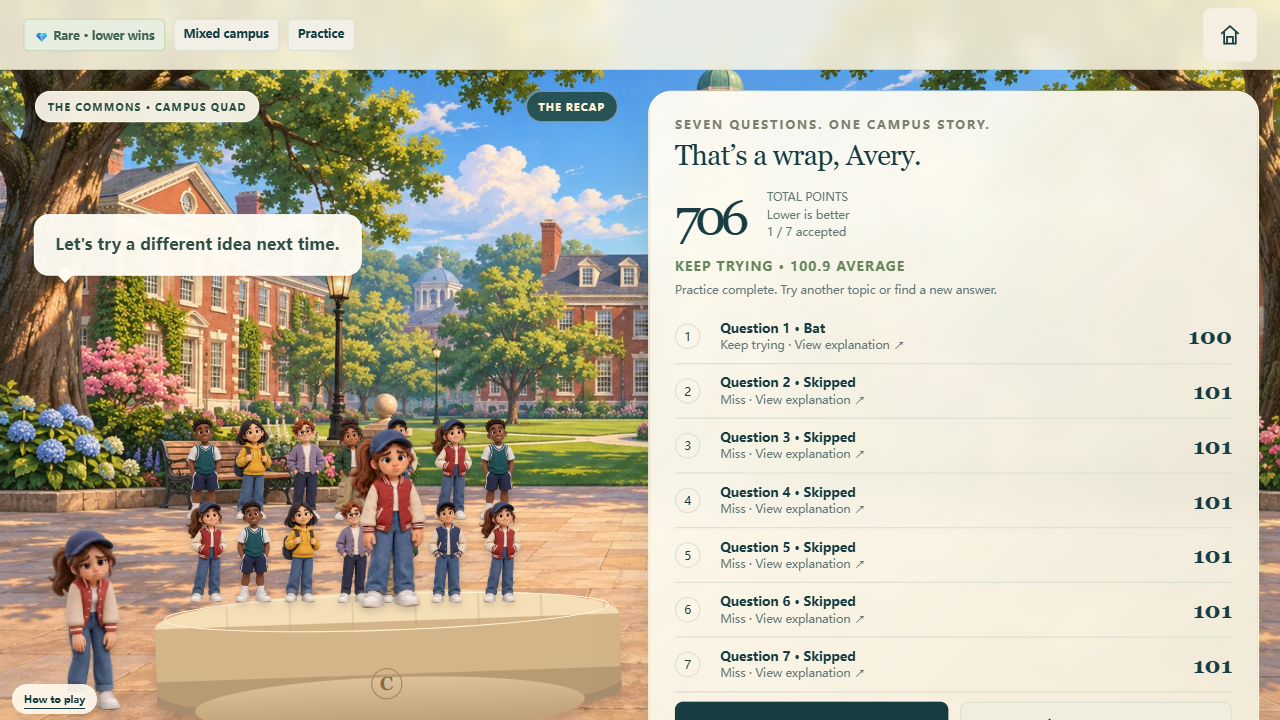
Kegillion focuses on student life, familiar American snacks, entertainment and college vocabulary. Its scenery, hosts and answer library give the game a distinct setting. The topics provide a way to explore everyday knowledge through short prompts rather than long quizzes. You do not need an account to play Kegillion. Pick a character because you like their appearance: the choice is cosmetic and does not change which questions you receive or how a valid answer is scored. The screenshots on this page show the working game, including its question and recap screens.
Read the condition before answering
A useful Kegillion answer must fit the words on the card. A food prompt may ask for an ingredient, a dish or a snack; those are different groups. A campus prompt may ask for a service, a place or an item. Think about the requested type before deciding how familiar your answer is. In Kegillion, a very famous answer cannot earn points merely because it is recognizable. If you are unsure, start with the most clearly relevant example you can recall, then check the feedback.
Popular mode: find the familiar answer
Popular rewards higher editor-assigned familiarity scores. Choose it when you enjoy naming the answer that comes naturally to mind. In Kegillion, accepted answers carry their own stored values, so two valid ideas can produce different results. A score of 100 or above earns Excellent, 90–99 earns Very nice, 70–89 earns Good, and 50–69 earns Not bad. Below 50 earns Keep trying. These labels describe the answer's assigned score within Kegillion; they do not measure your intelligence or represent a live vote.
Rare mode: remember another valid idea
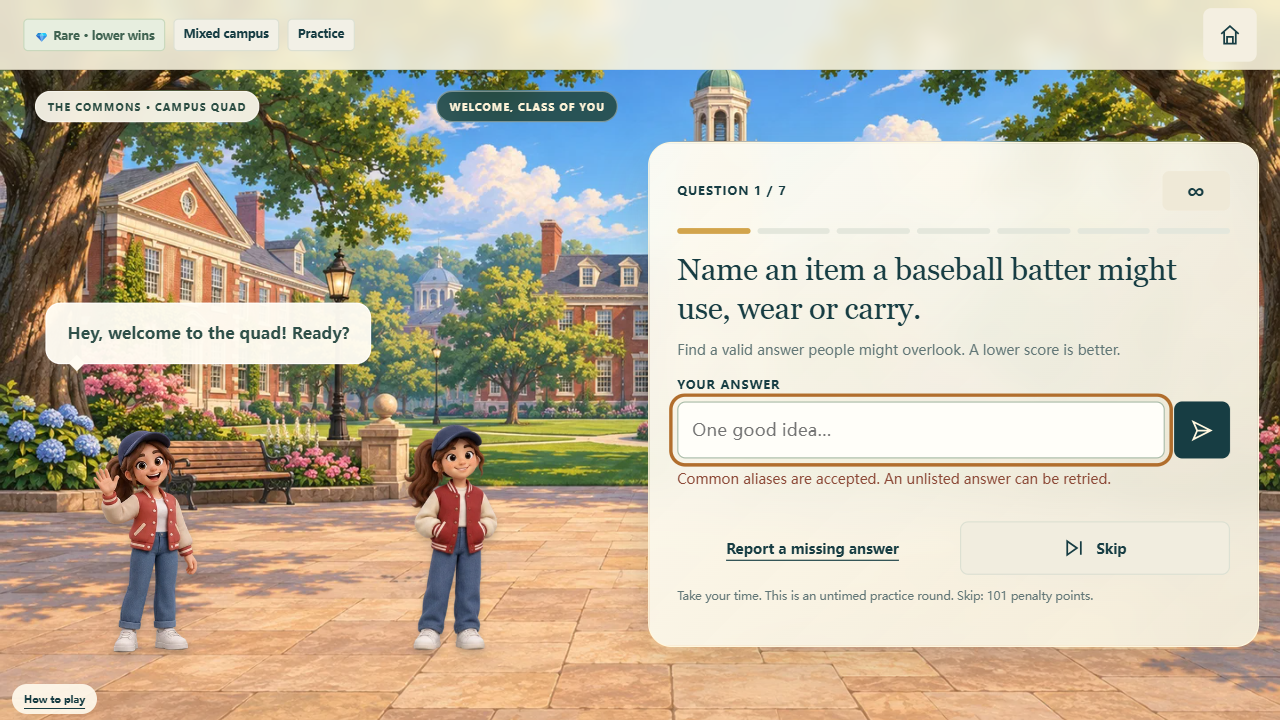
Rare reverses the goal: lower scores are better. A valid answer scoring zero earns Excellent. Scores from 1–10 earn Very nice, 11–30 earn Good, 31–50 earn Not bad, and higher scores earn Keep trying. Try Kegillion in this mode when you want to look beyond your first association. An obscure word still needs to fit the prompt and appear in the supported library. Do not confuse an unrecognized entry with a valuable rare answer. Kegillion keeps the current question open so you can try another entry.
Understand the score before comparing runs
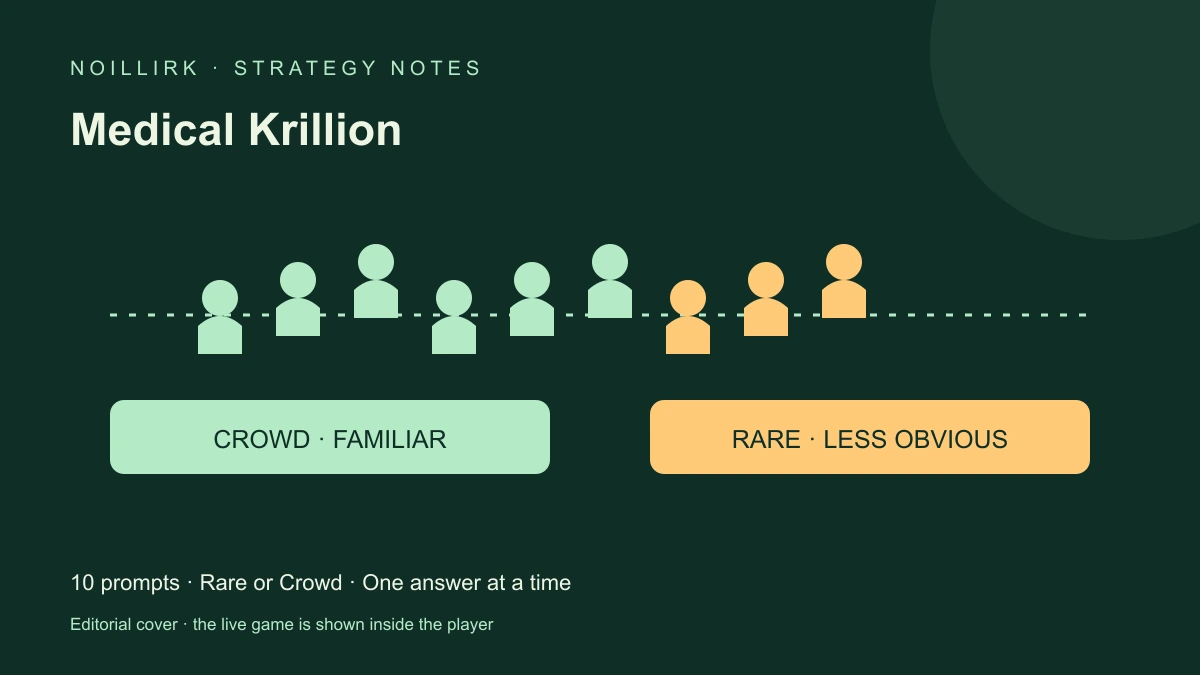
For a simple Kegillion example, imagine two accepted answers with stored values of 8 and 92. In Rare, 8 is the stronger result. In Popular, 92 is the stronger result. The values are editorial estimates of answer familiarity, not survey percentages, search volumes or a count of people who entered that word. The animated group is a visual illustration. Compare Kegillion totals within the same mode, and pay attention to whether a run is daily, practice or a replay before discussing results with friends.
Daily seven and the refresh time
Daily gives you seven fixed questions for your selected topic and date. Kegillion refreshes at midnight in US Eastern time. Your local clock may show a different time, especially around daylight-saving changes. Switching from Rare to Popular does not create a new daily question set. The first daily finish for each topic is recorded on this browser; later attempts are practice replays. That makes Kegillion useful for a small daily ritual while still letting you return to questions you want to understand more thoroughly.
Practice at your own pace
Choose Free practice in Kegillion for another selection of questions. Leave the optional timer off to think carefully, or enable the 25-second practice timer for a quicker session. Daily questions use a 25-second clock. A finite question bank means familiar prompts can eventually return; practice does not promise an endless supply of unique material. Use Kegillion practice to explore another topic or compare how your choices change between modes. It is also a convenient place to learn the input controls before starting a timed daily run.
Five topics, several ways to think
The Kegillion topic selector includes Campus life, Food & snacks, Games & sports, Music & screen, and Schools & world. Mixed campus brings different subjects into one run. You may encounter everyday study routines, common snack ideas or school-related vocabulary. Read each prompt for its exact boundary; knowledge of one campus does not automatically generalize to every institution. Choose a focused topic if you want a coherent theme, or choose mixed play when you prefer variety. The Kegillion interface displays your current topic and scoring mode above the game, so you can check both before committing an answer. Topic selection is a gameplay choice rather than a difficulty guarantee.
Typing, aliases and corrections
Enter a short answer in the Kegillion field, then use the send button or the keyboard to submit it. The game normalizes supported spellings and accepts listed aliases. A unique small typo in a longer answer may be corrected, while ambiguous entries require another try. If an answer is missing, Kegillion preserves your opportunity to edit while the question remains active. An unlisted answer can still be valid in ordinary conversation. Use the missing-answer report when appropriate, and avoid assuming the current library contains every possible interpretation.
Skip, timeout and the result screen
The Skip control ends the current Kegillion question as a miss. It is useful when you want to move forward, but it has a scoring consequence: Rare adds 101 penalty points and Popular adds zero. Running out of time also counts as a miss. A missed answer does not earn a crown. After a result, read the accepted answer information and explanation before continuing. Kegillion provides an answer-library control on result screens, giving you a way to inspect supported alternatives rather than guessing why an entry scored differently.
Review the whole run
After question seven, Kegillion shows the total, accepted-answer count and individual results. Open a recap entry to read its question details and explanation. This is the best moment to notice whether you repeatedly selected familiar ideas in Rare or overlooked obvious answers in Popular. The Kegillion recap gives context to the total; a single number cannot tell you which subjects were comfortable and which needed more thought. You can then choose practice again, change the topic or return to the setup screen.
Save and share on your device
Kegillion stores progress locally when browser storage is available. Private browsing, cleared site data or another device can affect what is retained. Returning to the menu during a timed question does not stop its clock. Use the share controls to prepare your result for a supported destination, then review it before posting. Kegillion does not automatically publish a social post for you. The page toolbar also offers fullscreen, a separate game tab and a guide shortcut, which are useful when the embedded view feels small.
A good first session
Begin Kegillion with untimed practice and a topic you enjoy. Answer one prompt, inspect the result, and try the opposite scoring mode on a later run. Familiarity with the rules matters more than rushing through the first attempt. When you feel ready, return for the daily seven. The illustrated scenes and character reactions add feedback, while the answer explanations provide the useful learning detail. Keep your next Kegillion goal specific: fewer misses, a better Rare total, or a more consistent Popular run.
Kegillion FAQ
Do I need an account?
No. You can play in the browser and keep progress locally when storage is available.
Are the scores real survey results?
Scores are editorial familiarity estimates. Podium figures illustrate feedback rather than a live respondent count.
Can I keep playing?
Choose Practice for another run, with an optional timer. The finite question bank can eventually repeat.